

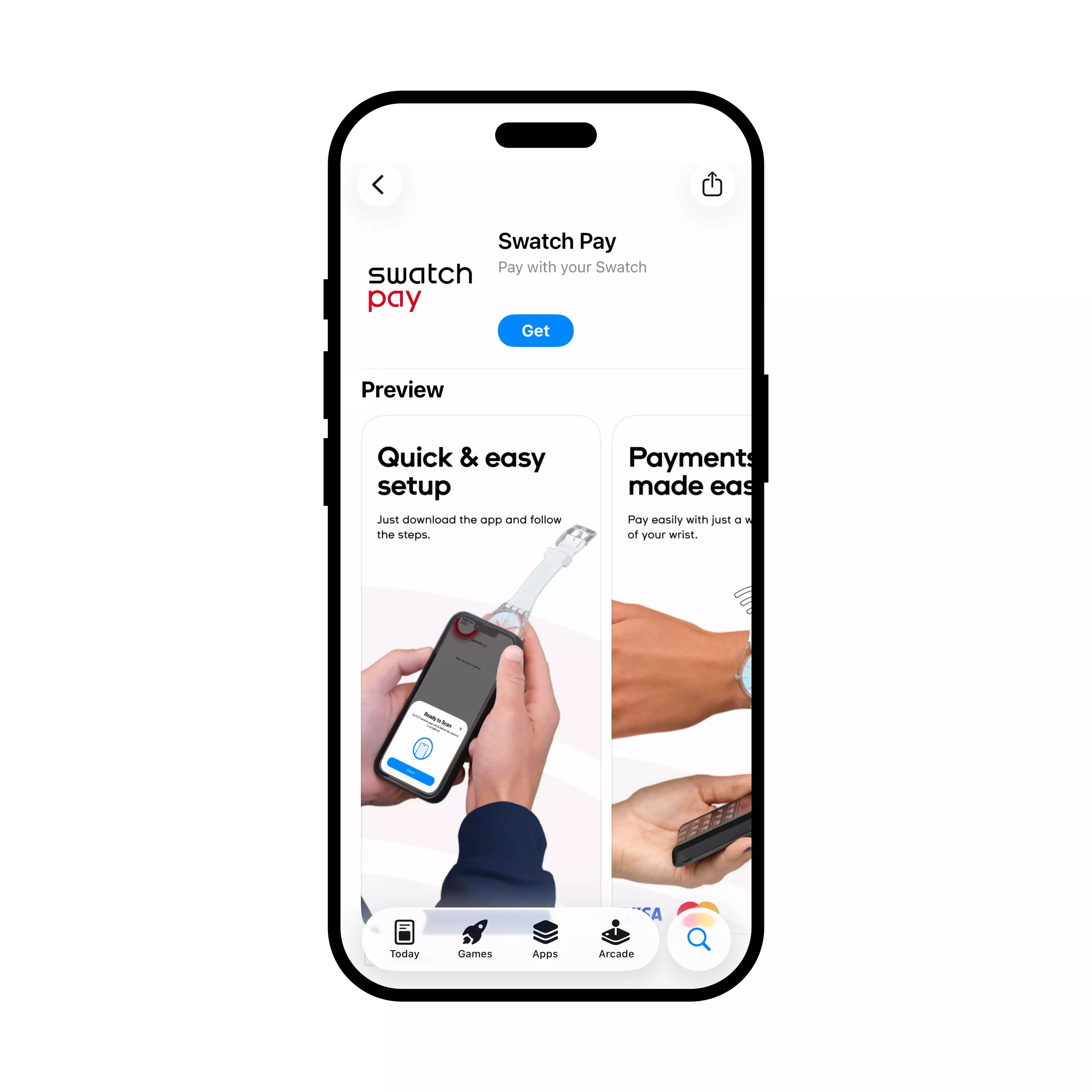

Get started
Download the Swatch Pay app to your smartphone, then create an account.
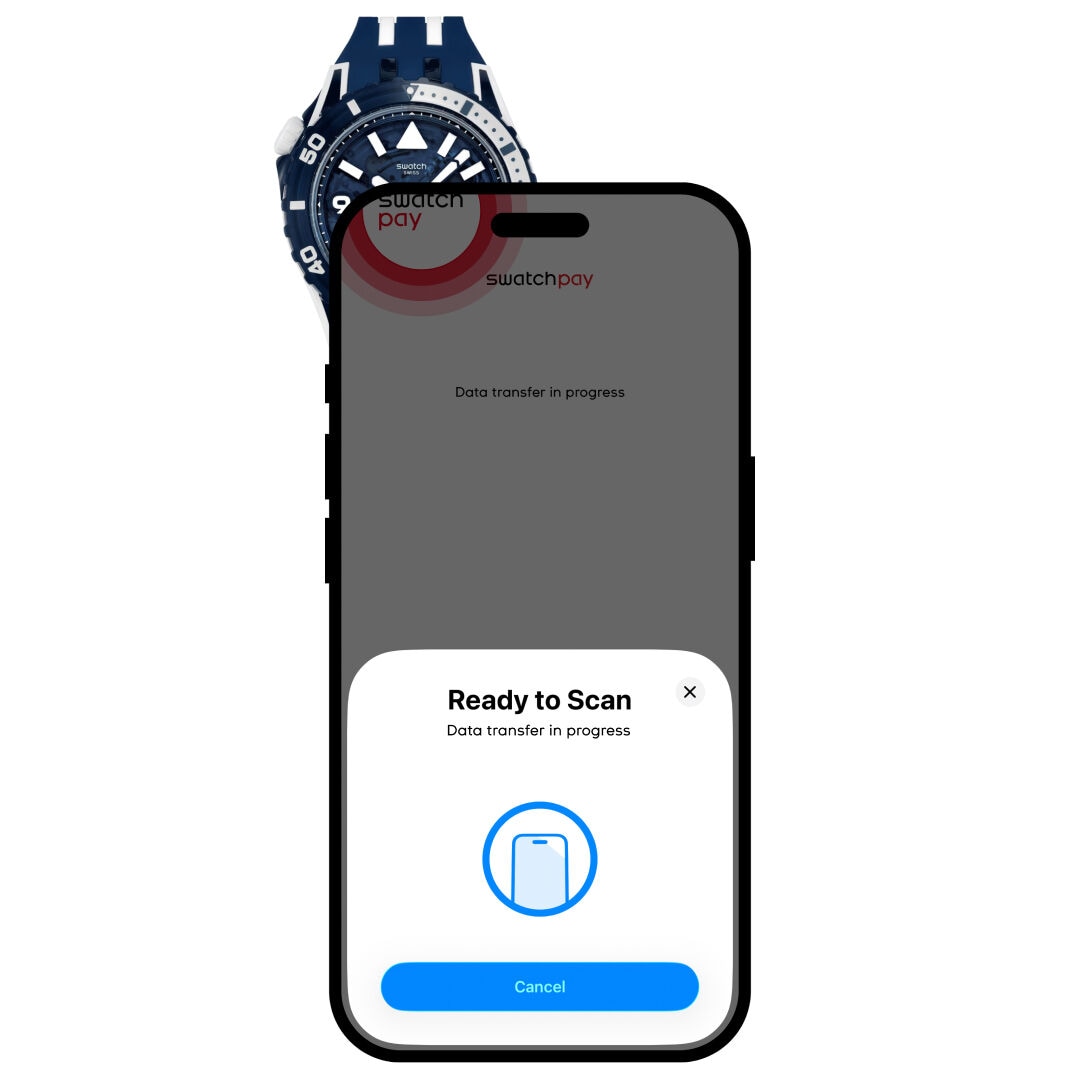

Connect your watch
Open the Swatch Pay app, select “LINK WITH PHONE”,
place your watch front-side up behind your smartphone and follow the instructions.
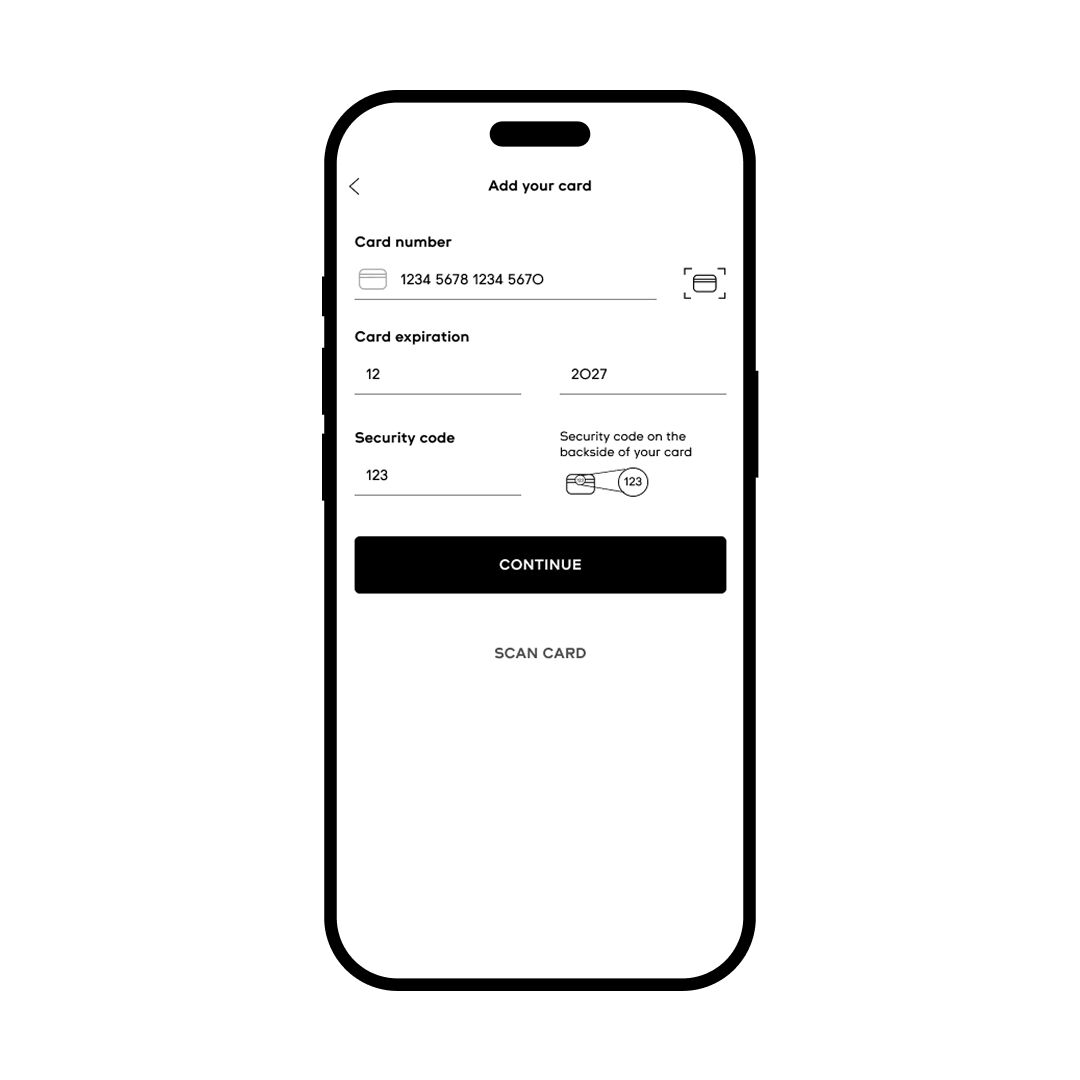

Link your payment card
Scan your payment card or enter the card details manually to link it to your watch. Once linked, follow your bank's instructions to complete verification.
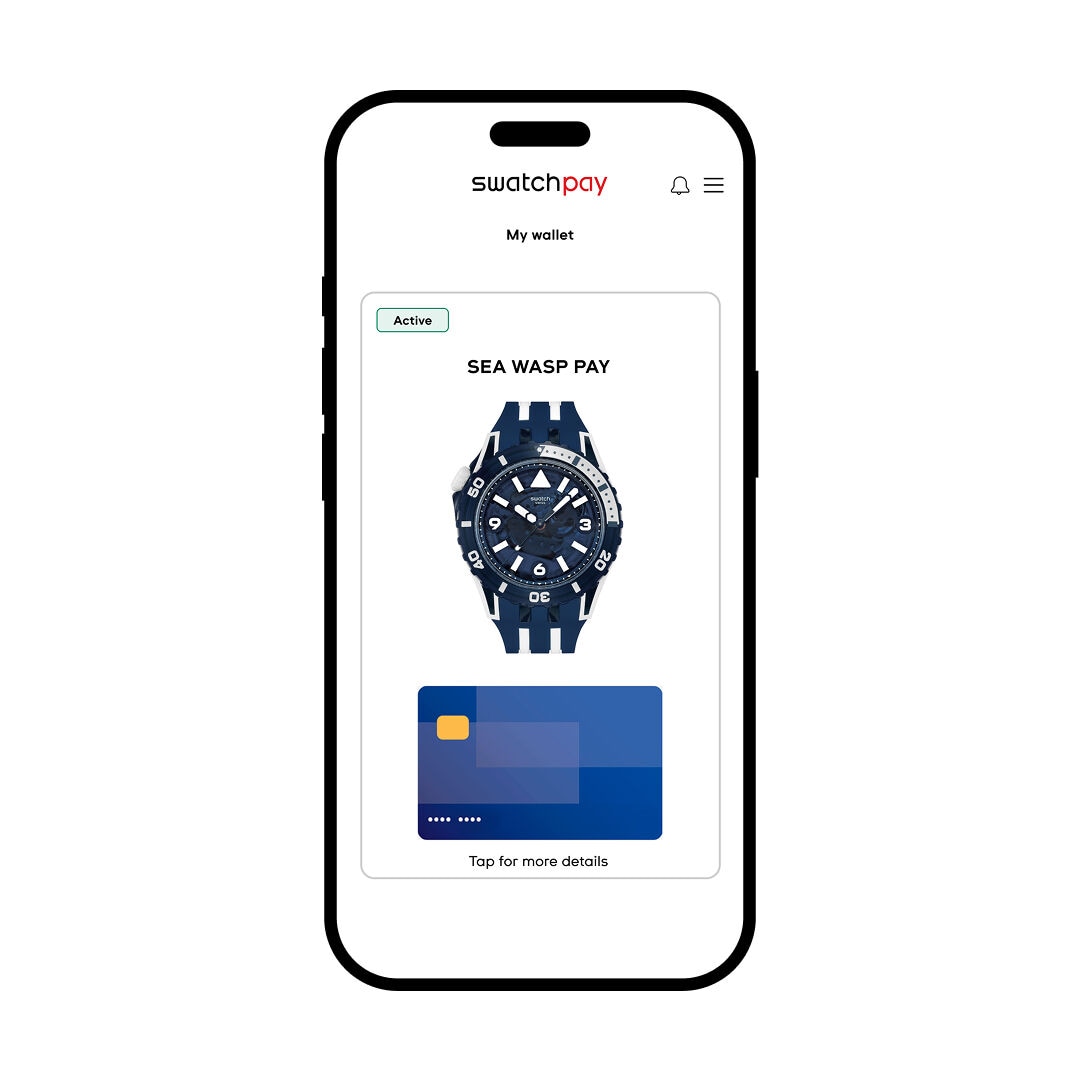
You are all set!
You are now ready to use your Swatch Pay watch.
Good to know
If prompted for a PIN when paying with your watch, use the same PIN as your card.
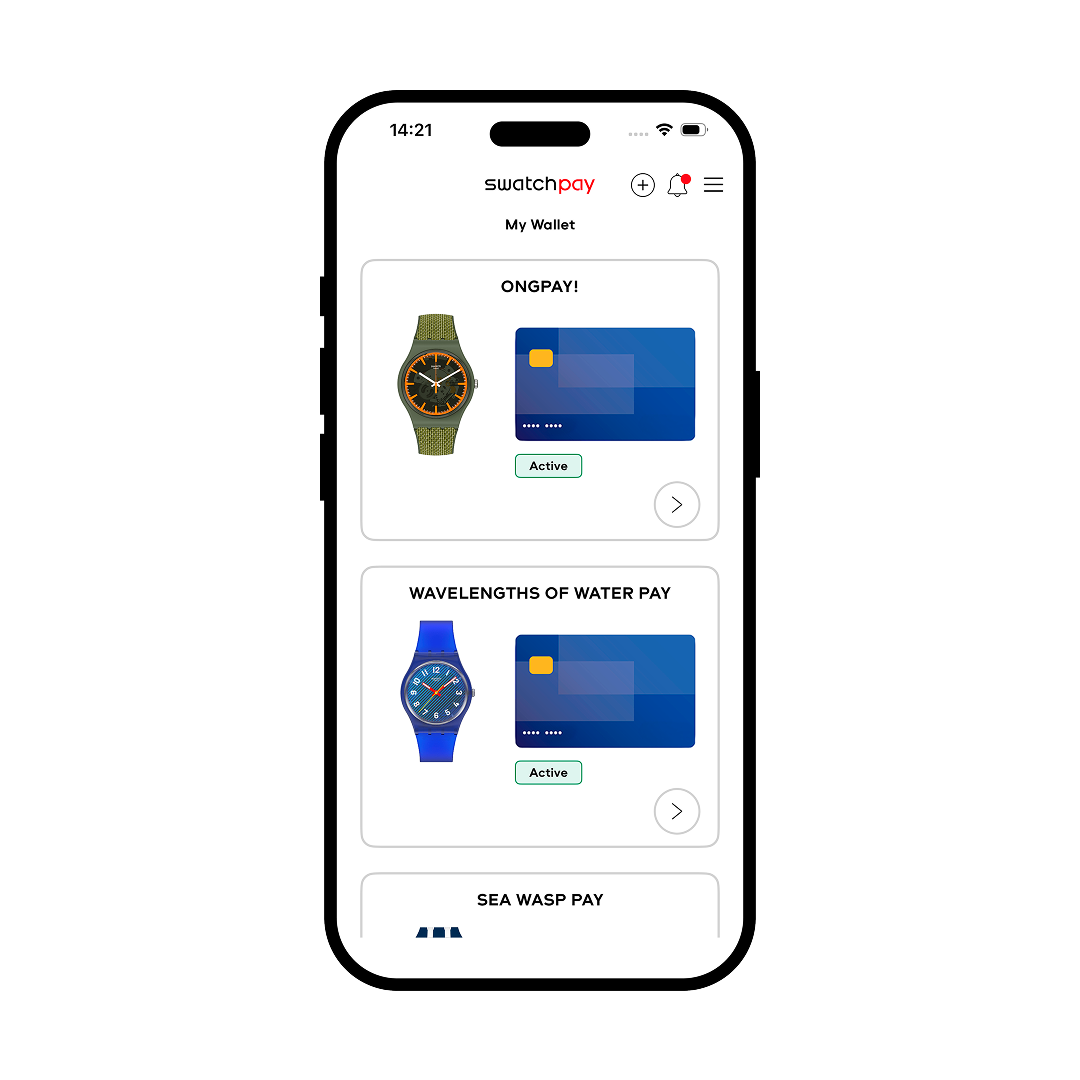
You can view and manage your linked card in the app.